
























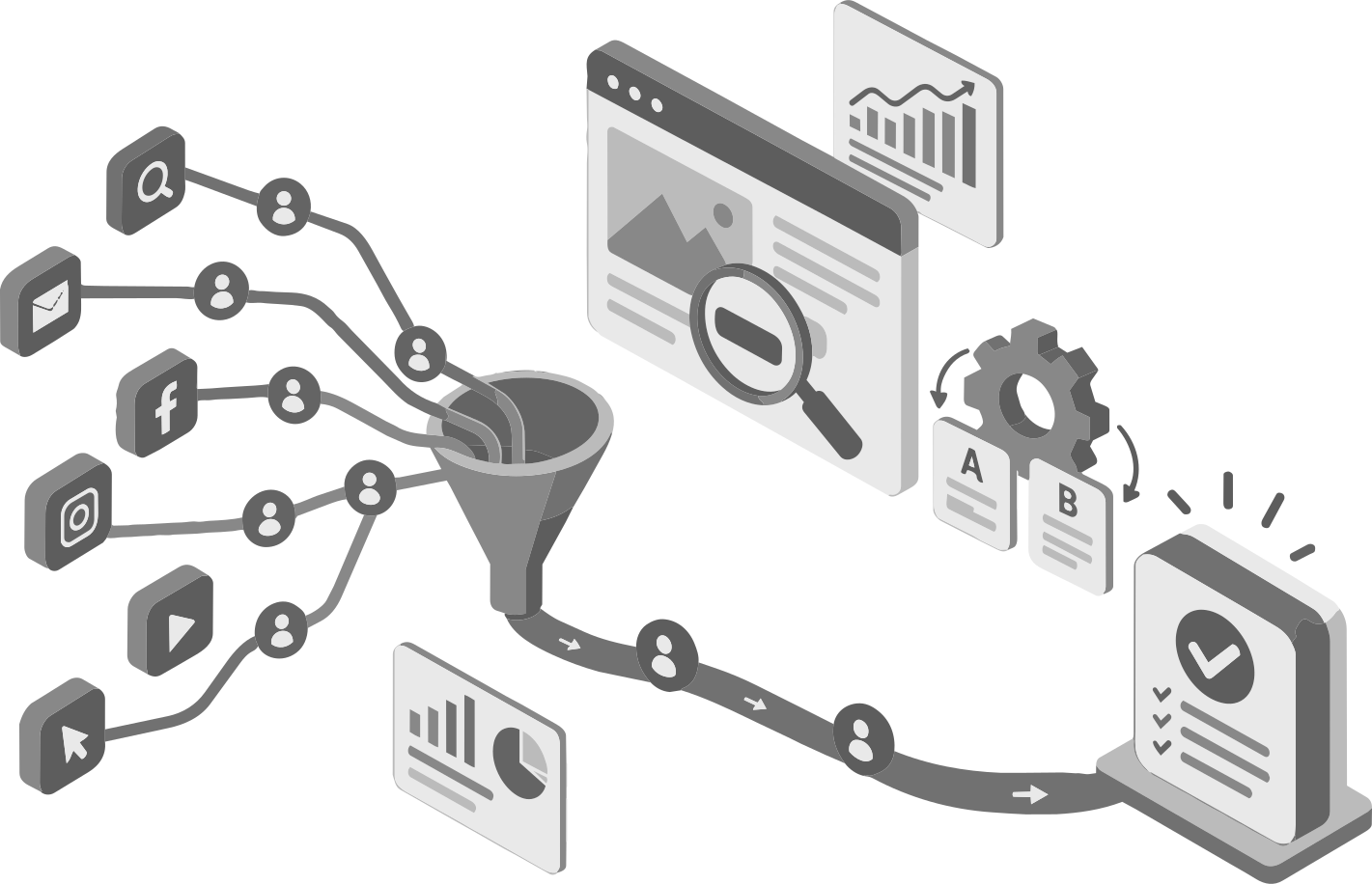
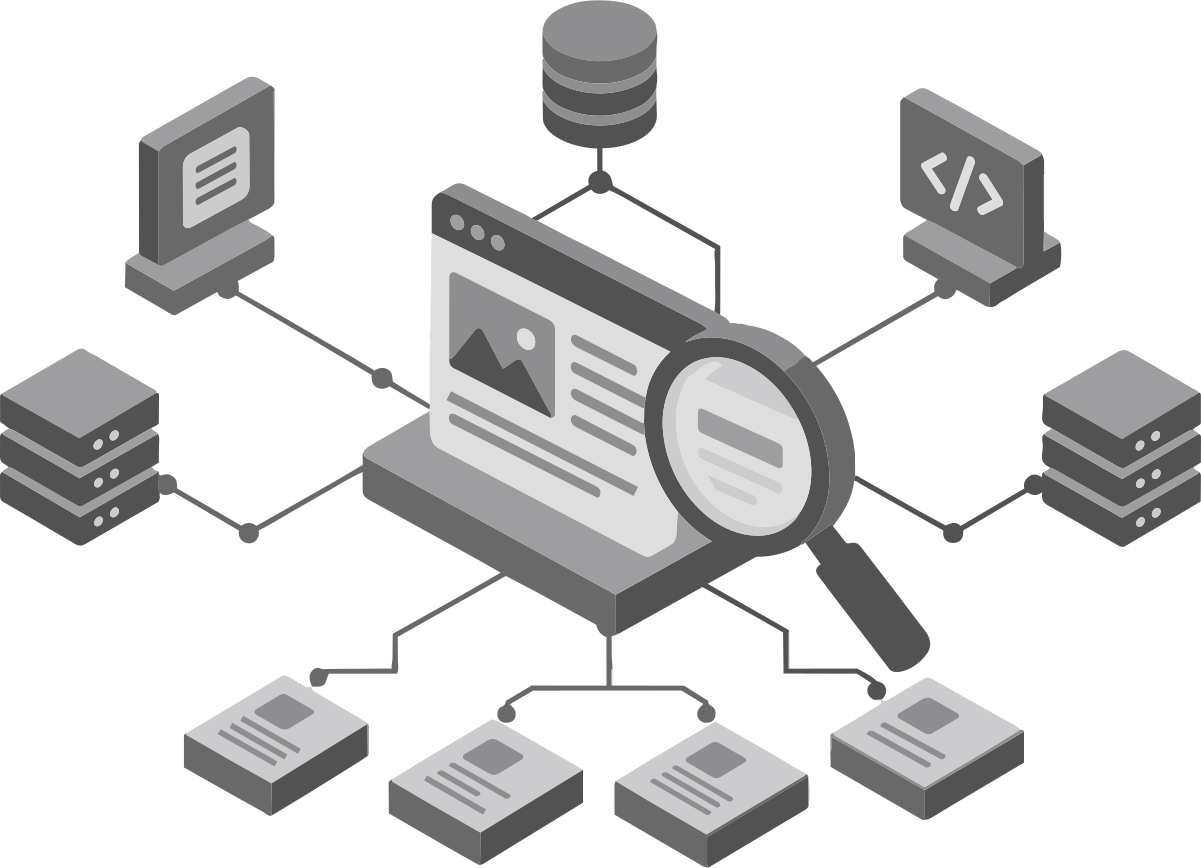
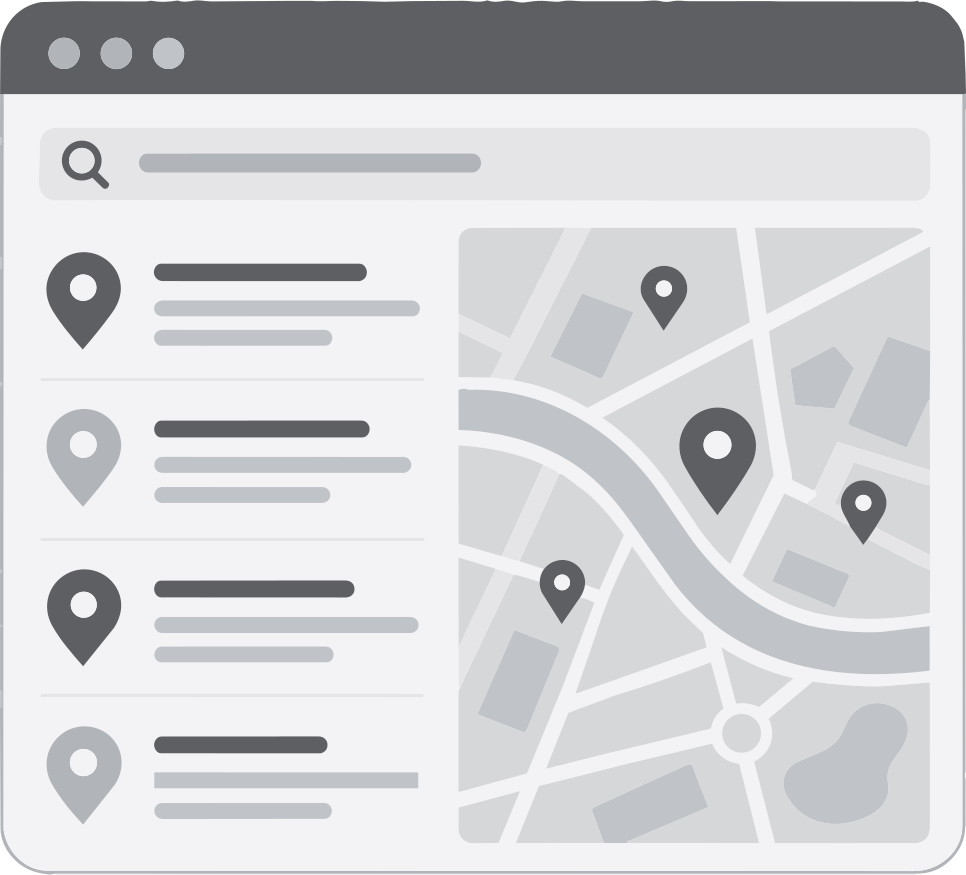

Discovery and assessment
We review your audience, goals, current site, analytics, tools, and brand assets.
Strategy and scope
We agree on the platform, features, content responsibilities, success measures, budget, and launch priorities.
Site structure and wireframes
We organize pages, map key user journeys, and connect content outlines to page layouts.
Design and development
We create approved layouts, build features, and prepare agreed content and integrations.
Testing and approval
We check the site against the agreed requirements, review content, and confirm launch readiness.
Launch and handover
We coordinate the launch, complete final checks, and train your editors. We also confirm who manages hosting and each connected service. For a redesign, the launch plan covers the move from the old site and checks on important pages after release.
We build custom websites with SEO foundations and connected business tools.
Our designers and developers work as one team to bring your brand, content, and tools together. We center each project on your business goals and user needs. That means clear pages, useful features, and simple paths to action.
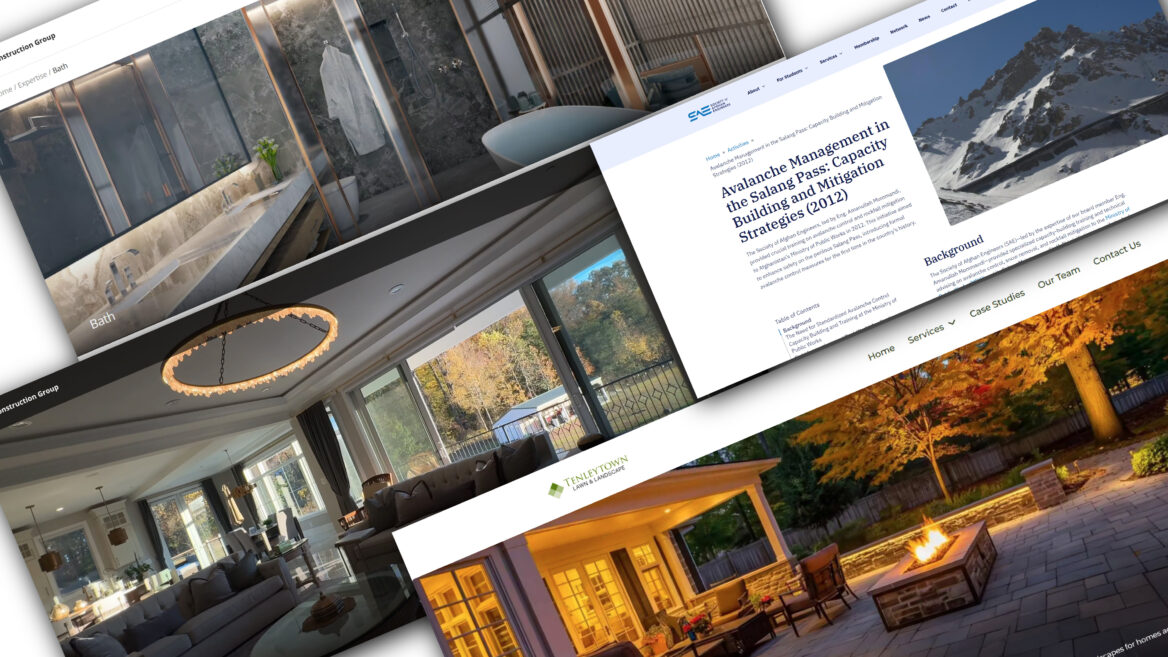
Get your quote
What you get:
- 100% ownership of your website, design assets, and content outright upon completion.
- Fixed, itemized pricing before we start, with no hidden build fees.
- Custom layouts tailored to your brand—no cookie-cutter templates.
- Done-for-you integration with your daily operations tools, booking systems, and CRMs.
- Foundational SEO, AIO, local search setup, and conversion tracking included.
- Built for strict technical performance, speed, and mobile responsiveness.
- Complete CMS configuration and hands-on editing training for your team.
- Your platform, your choice (flexible WordPress CMS or dedicated e-commerce).
- Securely configured with proper user roles, isolated access, and best-practice permissions.
- Clear launch coordination, cross-device testing, and managed handover.
Shopify and E-Commerce Development
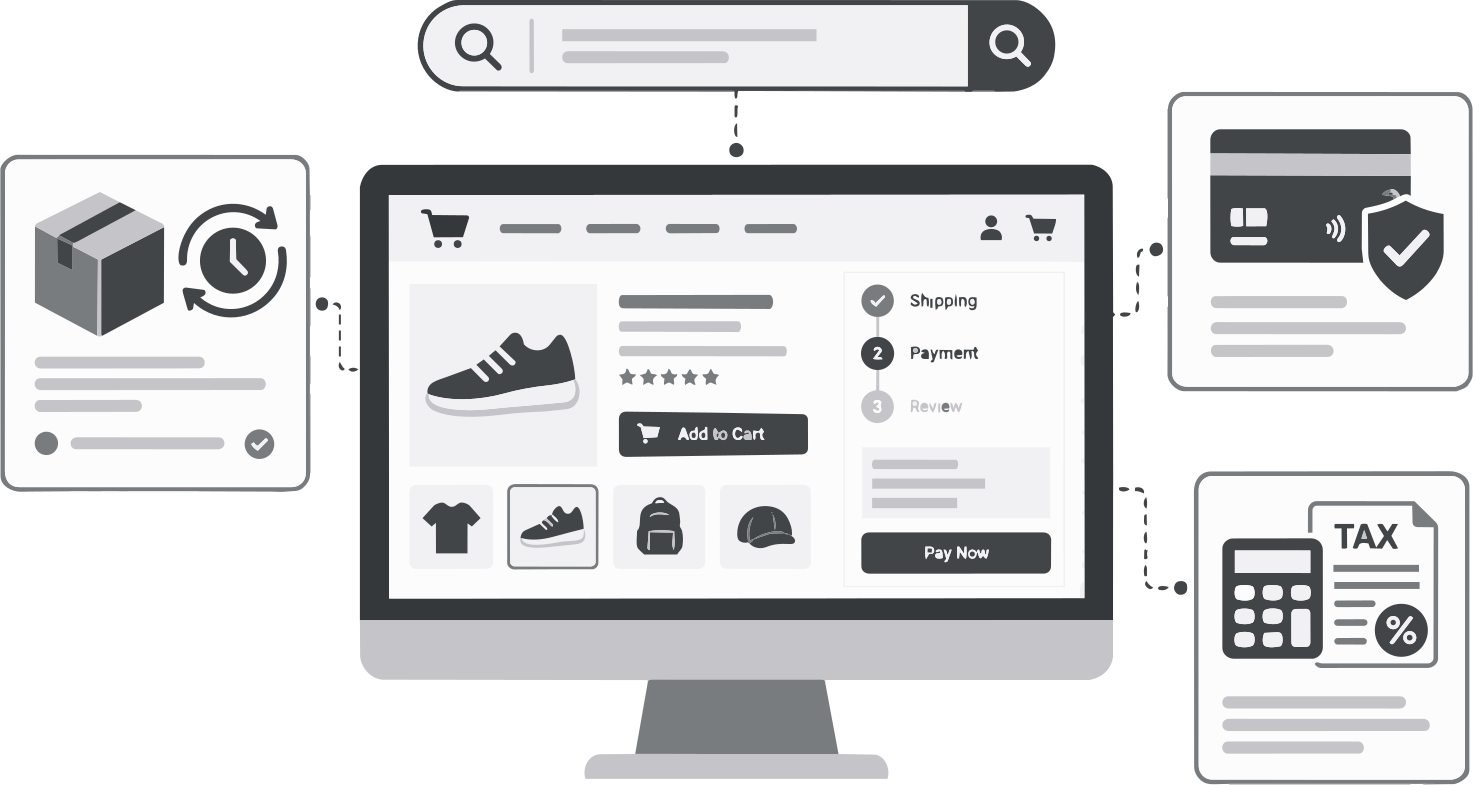
AICyberHelp builds ecommerce websites around your products, customers, and daily work.
Depending on your platform and scope, the build includes:
- Custom storefront layouts and product collections.
- Site search and product filters.
- Stock updates linked to your other systems.
- Shipping rules and tax tools.
- Payment gateways and order emails.
- Checkout changes where the platform permits them.

Frontend & Backend Development
We can build on any web framework or content management system (CMS) for maximum flexibility and stability.
We embrace clients wanting builds using anything from the latest modern web development frameworks and CMSs all the way to legacy builds using the likes of WordPress and Drupal. We'll scope out the best stack based on your needs.
Custom CMS integrations
We connect your content management system (CMS) to the tools you use to run your business.
These may include customer relationship management (CRM) software, email platforms, booking systems, and stock trackers. Projects can also include private user portals, searchable directories, or live product feeds. Before work begins, we agree on what each connection must do and who will maintain it.
AI-Powered Site Enhancements
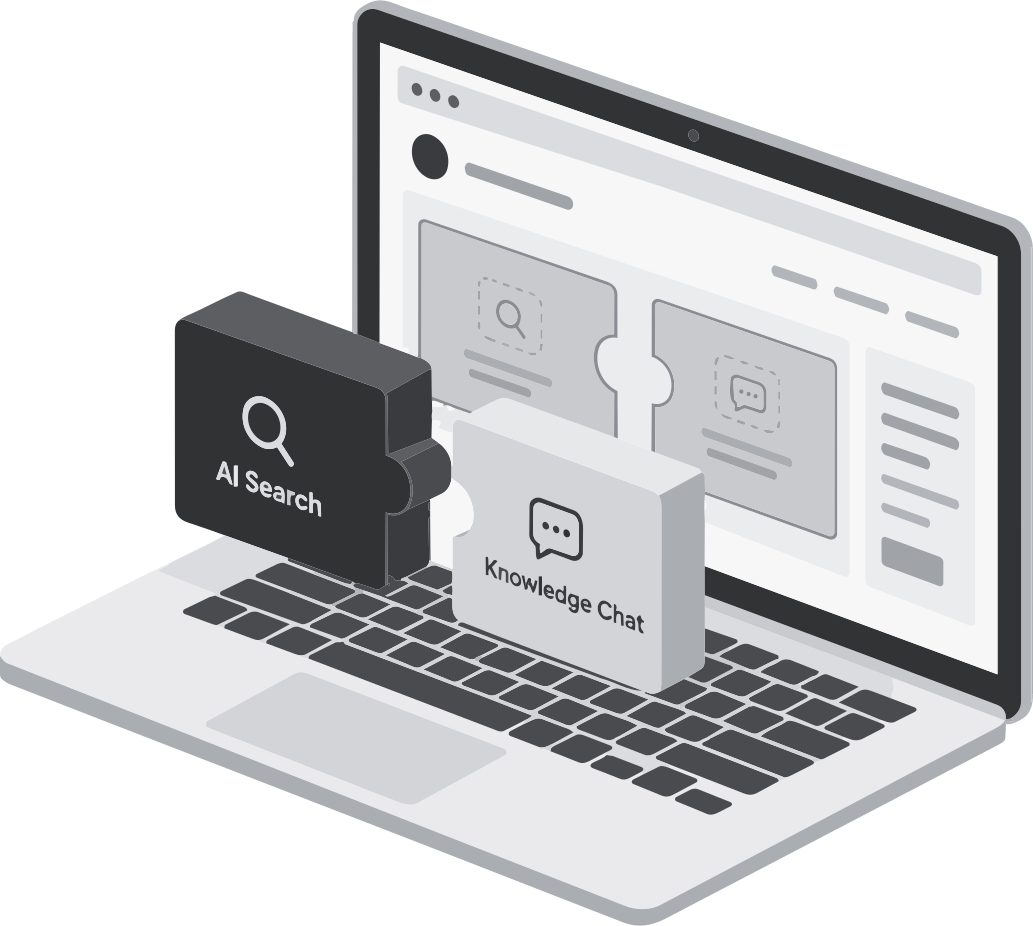
AI can support site search, knowledge chat tools, content tasks, and routine work.
We assess each use case against a clear business need rather than adding AI for its own sake. The agreed scope covers the source information, permitted tasks, privacy needs, testing, and human support required. We recommend features that leave your team in control.
Technical Web Development Services
We start by assessing your current platform, tools, content, and performance.
This assessment guides the features we plan, the systems we connect, and how your team will manage future updates. Then we build.
Responsive design for mobile and desktop
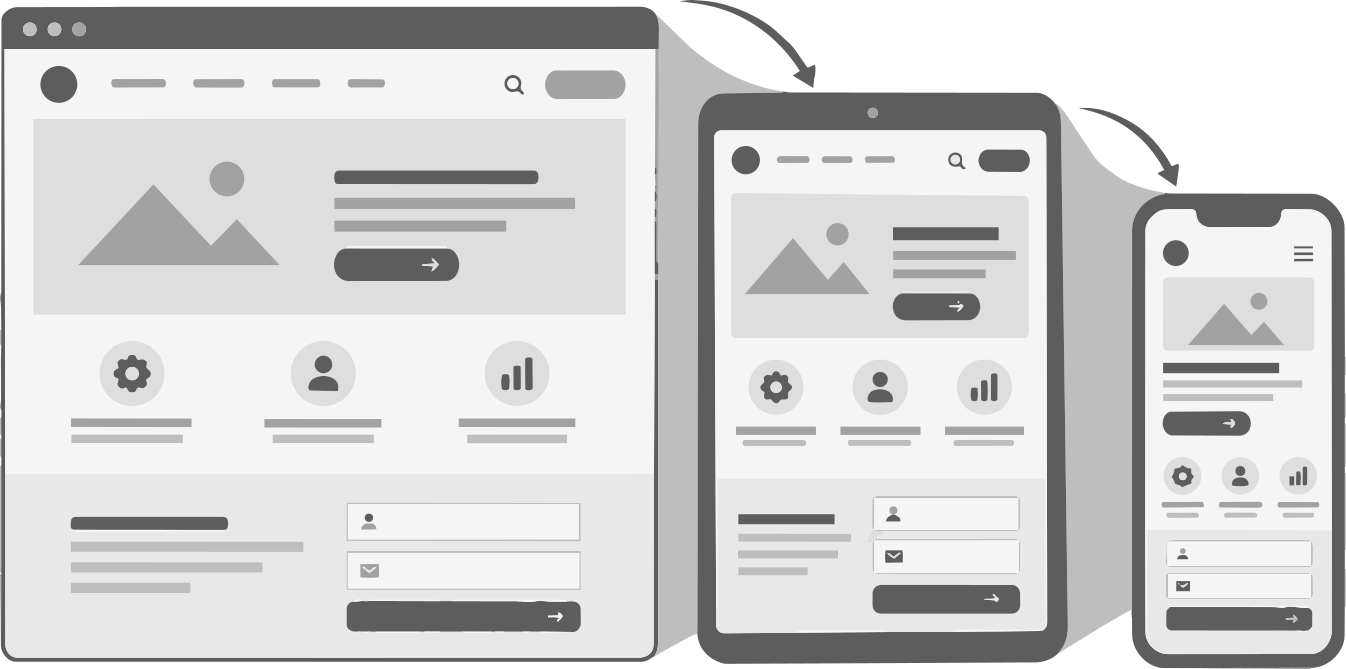
We build responsive websites with layouts that adapt to each screen size.
Customers might find you on mobile devices and return later on a desktop computer. Your site needs to work well on both. Text stays easy to read, menus stay clear, and buttons are easy to tap.
We test core tasks across devices and browsers. Whether users view a product, read a page, or fill out a form, they see what to do next.
Custom user interface and user experience
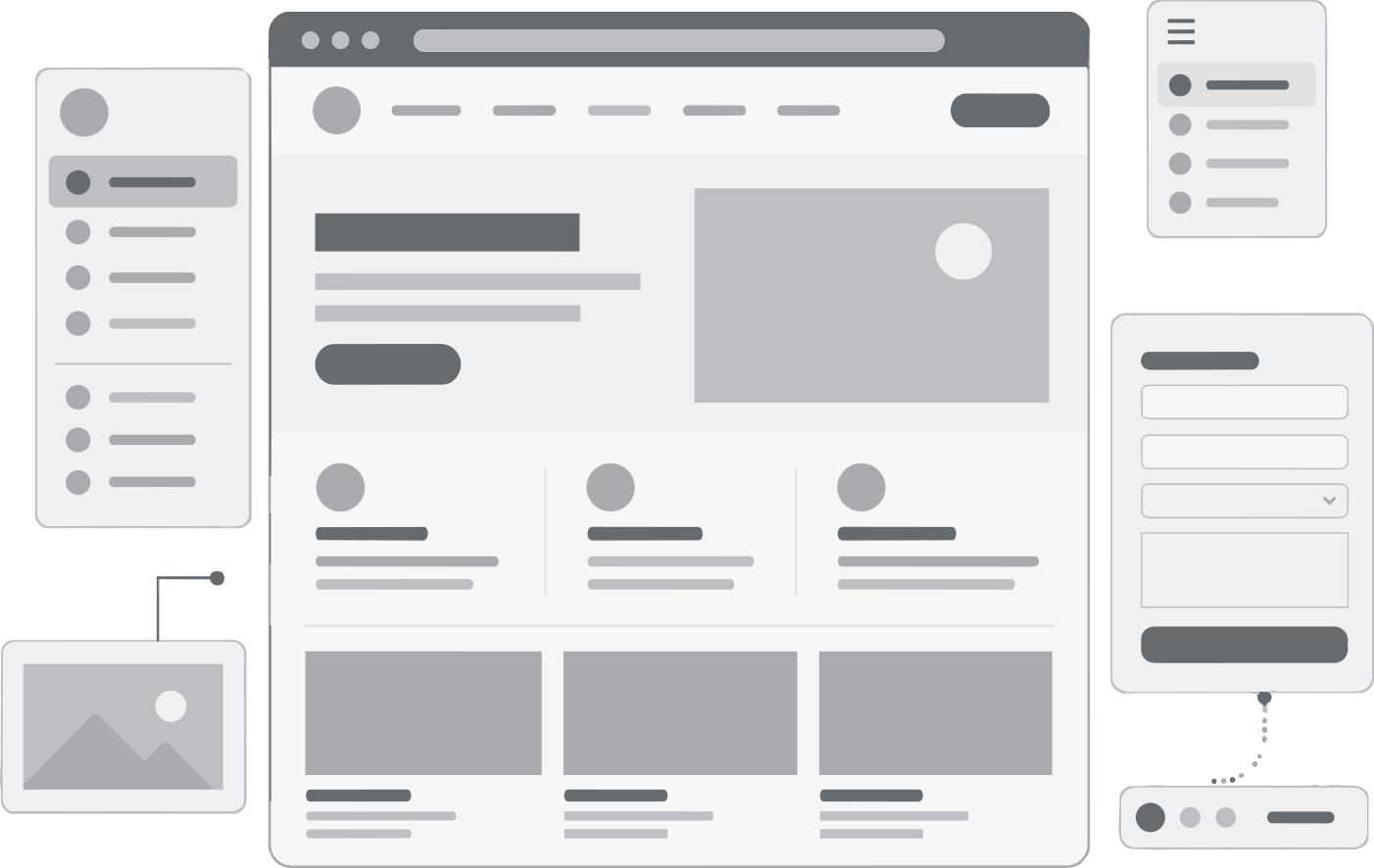
Before detailed design begins, we organize your content and map your pages with wireframes.
These simple layouts show where headings, menus, forms, and calls to action go. We design service pages, product menus, and forms around any tasks your visitors need to complete. Clear priorities help people understand each page without competing messages or needless steps.
Web design services for modern brands
We build custom page layouts around your logo, colors, fonts, images, videos, and brand voice.
Consistent words and visuals support a coherent brand presentation, guided by the brand standards you use across customer touchpoints. Alongside the visual design, we focus on how people find information, compare options, and take the next step.
Conversion rate optimization and testing
Conversion rate optimization (CRO) focuses on improving a defined action, such as completing a form or buying a product.
Where included in the scope, we review the current customer journey, identify barriers, and test focused changes. We agree on the goal and measurement plan before work begins, with attention to lead quality as well as conversion volume.
SEO setup for Google Search visibility
Our SEO setup helps search engines access your pages and understand their content.
Depending on the scope, this includes page titles and descriptions, site structure, search access checks, redirects, structured data, and Google Search Console setup. This work provides a foundation for search visibility. It does not guarantee indexing, rankings, or placement in search-engine AI answers.
Local SEO and Multi-Location Websites
For businesses that serve specific areas, we plan the site around genuine locations and service coverage.
The scope may include a location directory, individual location pages, useful service-area content, business profile links, and maps or directions. Each page should help customers understand where you operate and which services are available.
Post-Launch Campaign and Content Support
We can prepare the site for ongoing paid search, SEO, and content marketing.
This may include reusable campaign landing pages, lead tracking, and resource sections linked to relevant services. Ongoing SEO reviews, new content, campaign management, and testing are separate from the initial build unless your proposal includes them. A support plan can define the reporting schedule, content responsibilities, and priorities for future updates.
Marketing and Search Integration
Your website should support your digital marketing strategy.
Landing pages need to match the message that led someone to click, then give visitors a clear next step. We set up the agreed analytics and conversion tracking to help your team measure actions such as inquiries, bookings, and purchases.
Our structured process for web design and development
Each stage has clear tasks, deliverables, and approval points.
Pricing
How much does a website built by AICyberHelp cost?
Pricing varies based on project complexity. When you purchase a website from us, it is built for scalability, maintainability, technical performance, ease-of-use, and revenue generation. Upon contract completion, you own your site. For benchmarks, we provide starter pricing below:
| Project Type | Investment Amount | Typical Scope |
|---|---|---|
| Core Business Website | Starting from $3,500 | Custom layouts, key business pages, CMS setup, responsive design, and basic SEO. |
| Growth-Focused Website | Starting from $6,000 | Everything in a Core Business Website, plus: more content, lead generation features, marketing tools, and detailed conversion paths. |
| Advanced Development | Starting from $8,000 | E-Commerce, custom databases, complex integrations, or other specialized features |
Design depth, migration needs, accessibility requirements, review rounds, and platform choices affect cost and timing. Your proposal sets out:
- Included pages, features, and services.
- Content writing and migration responsibilities.
- SEO, analytics, and testing deliverables.
- Exclusions and optional work.
- Milestones and approval duties.
- Required assets and account access.
- Third-party costs and ongoing support terms. Hosting, software licenses, paid apps, and maintenance remain separate from the initial build unless stated otherwise. Open decisions stay visible so you can see how they affect cost or delivery dates.
Still have questions?
What happens if my site is compromised, and how quickly do you respond?
We validate the alert, preserve relevant logs and evidence, and isolate affected systems or place the site in maintenance mode where authorized. Cleanup includes removing malicious code and unauthorized accounts, patching the entry point, rotating affected credentials and keys, and restoring from a verified clean backup if needed.
Before reopening the site, we rescan it and test critical functions. We then monitor for reinfection for at least 72 hours and provide an incident summary with recovery actions and recommended safeguards.
For plans explicitly including 24/7 emergency coverage, the proposed critical-incident SLA is:
- Acknowledgment: Within 30 minutes of a monitoring alert or report through the designated emergency channel.
- Technical response: Begin investigation and containment within one hour.
- Progress updates: At least hourly until containment, then at agreed intervals through recovery.
- Restoration: Work toward the agreed four- or eight-hour RTO.
Response commitments are not guarantees of complete resolution within that period. Standard retainers operate only during agreed support hours; after-hours response requires additional coverage. Required legal or regulatory notifications remain the client’s responsibility unless separately agreed.
Do your web design services include branding, or do I need existing brand guidelines?
Our web design services use your existing logo, colors, fonts, imagery, and brand voice to create consistent custom page layouts. You’ll need to provide brand documentation and assets. Foundational brand design—including style guides, typography scales, and vector logo assets—is not included in the standard web design scope. If you don’t have these materials, a separate branding scope must be agreed upon before web design begins.
Will our online store need paid apps or a higher platform plan?
It may. Some features depend on paid apps, third-party services, or a specific platform plan. Checkout changes are a common example: the options available depend on the platform’s rules and your subscription. Stock connections, advanced search, and other features may also carry separate fees. We review these needs during scoping and explain the expected costs before you commit.
How long does a custom website build take?
A standard business website needs a planning window of about 6–10 weeks. Ecommerce sites, large content projects, or complex integrations may take 10–16 weeks or more. These are general estimates, not fixed promises. Your schedule depends on scope, content readiness, timely feedback, and approvals. We set project dates once those requirements are clear.
How do you check an AI feature before customers use it?
Before launch, we verify its source information and define what it may and may not do. We also set access rules for private data, provide a route to human help, and test common questions, errors, and unsupported requests.
For features that access customer data, we test cross-customer isolation, revoked permissions, unauthorized document requests, prompt-injection attempts, and sensitive-data leakage in responses and logs. We verify zero-retention settings and provider commitments, and confirm that retrieval fails closed when identity or permission checks cannot be completed. These checks should be repeated after material changes to integrations, models, or access rules.
These checks reduce risk but do not remove the possibility of incorrect answers. The required level of human review depends on the feature and the consequences of an error.
Can an AI chat tool answer questions from our website content?
Yes, with a suitable setup. One approach is retrieval-augmented generation (RAG), which finds relevant source material before the AI generates an answer. In a vector-based setup, the content is:
- Split into useful sections.
- Converted into numerical representations called embeddings.
- Stored in a searchable vector index.
- Retrieved when relevant to a user’s question.
- Passed to the model as source material for its answer.
Other setups use keyword search or combine keyword and vector retrieval. Clear writing and schema markup alone do not create this system. The project must also define how the source content and search index will stay current.
If the system uses private customer content, its AI integrations must follow explicit privacy isolation protocols:
- Zero-retention parameters: Require and verify zero retention for prompts, retrieved content, and responses at the model provider, with no use of that data for model training. Confirm which endpoints and features support these terms and document any exceptions, including abuse-monitoring retention. Do not send private customer data through services that cannot meet the agreed requirements.
- Enterprise access controls: Authenticate users through enterprise identity controls, such as single sign-on, and enforce role-based, least-privilege access. Apply each source document’s permissions during retrieval, keep customer indexes isolated through separate stores or enforced tenant filters, and restrict service-account and administrator access. Do not rely on the model to enforce permissions.
- Boundary checks: Validate the user’s identity, tenant, and document permissions before retrieval and again before sending source material to the model. Send only the minimum necessary data, redact sensitive fields where appropriate, and check responses for unauthorized disclosure. Treat retrieved text as untrusted input, not as instructions that can override access controls.
These requirements also apply to embedding services, caches, logs, and monitoring tools. Encrypt data in transit and at rest, define retention and deletion rules for stored content and indexes, and record access events without unnecessarily logging sensitive payloads. Confirm provider terms and technical settings before enabling private-data queries.
How can the site support advertising and content marketing after launch?
Depending on your project scope, support may include:
- Reusable pay-per-click (PPC) landing pages: Pages that match your ads, explain your offer clearly, and guide visitors toward an inquiry or purchase.
- Campaign and conversion tracking: Tools to help measure where visitors come from and whether they complete actions such as submitting a form or placing an order.
- Forms connected to your CRM: Connections that send website inquiries to your customer relationship management system. These connections and lead reports depend on your tools, account access, and tracking setup.
- Content resources and internal links: Useful articles linked to relevant services and clear next steps. For businesses using Local Services Ads, the site can present accurate service, location, and contact details. Eligibility depends on Google’s rules, your business category, and program availability in your region. Website development does not replace advertiser verification or campaign management. Ongoing landing page updates, content writing, SEO reviews, and campaign management require a separate scope unless your proposal includes them. Contact us to discuss the support you need.
What can you do to help my website load faster?
We review what the page downloads, how the browser processes it, and how quickly the server responds. Image and file compression reduce download sizes, but page speed also depends on caching, script execution, and other factors. We review browser caching so returning visitors can reuse eligible files instead of downloading them again. Script optimization includes deferring nonessential scripts where appropriate and reducing main-thread work that can delay page display or interaction.
We also review third-party tools, such as chat widgets and tracking scripts, which can add delays outside the main site code. Hosting limits, network conditions, visitor devices, and external services can still affect speed. The scope defines which parts we can change.
How will my website share information with our other tools, and what happens if the connection fails?
Where supported, we use an application programming interface (API)—a defined way for systems to exchange data, such as sending a website inquiry to your CRM. Before building the connection, we check:
- Which information each system needs.
- Available access and account permissions.
- Field names, formats, and validation rules.
- How often records must transfer.
- Limits on the number of API requests.
- How duplicates and failed transfers will be handled.
Automation can reduce manual entry when the data structures match and requests stay within the tools’ supported limits. However, connections can fail because of expired access, changed data fields, API updates, request limits, or service outages.
Where included in the scope, we define retry rules, error logs, alerts, and a manual recovery process. For example, a failed transfer may need to wait before retrying if a service has reached its request limit. We also agree on who monitors the connection and who is responsible for fixes. These measures help manage failures, but they do not guarantee uninterrupted transfers.
What is confirmed before maintenance begins?
Your service agreement documents support hours, emergency contacts, reporting channels, incident severity definitions, escalation procedures, and authorization for containment and recovery.
It also confirms backup frequency, retention and locations; RPO and RTO; response-time SLA measurement, exclusions and remedies; recovery priorities; and responsibility for hosting and other third-party services.
How do backups and disaster recovery work?
Daily-backup plans include full-site backups of files and databases, retained for 30 days, plus an additional backup before significant changes. Where supported, high-change sites can add continuous database replication or transaction-log backups at intervals of no more than 15 minutes.
Encrypted backups are stored offsite in a separate cloud account outside production hosting, with a secondary copy in another geographic region. Your agreement names the providers and storage regions, subject to data-residency requirements.
Recovery targets are:
- Recovery point objective (RPO): No more than 24 hours of lost changes on daily-backup plans, or 15 minutes for protected databases on continuous-backup plans. Files remain subject to the daily-backup RPO unless separately covered.
- Recovery time objective (RTO): Restore core site functionality within eight hours after a critical incident is declared, or four hours under an enhanced agreement.
- Recovery testing: Test a backup restoration quarterly and document the results.
Recovery targets assume working infrastructure, required access, and a verified clean recovery point. Provider outages, missing access, or unavailable clean backups may affect recovery.
Do you offer ongoing site maintenance and security monitoring?
Yes. AICyberHelp offers maintenance and support through scheduled retainers. Depending on your platform and plan, coverage includes updates, security patches, backups, uptime checks, troubleshooting, minor fixes, and maintenance reports.
Proposed maintenance parameters include:
- Routine updates: Review and apply approved CMS, theme, and plugin updates weekly, testing scheduled changes on staging before release.
- Critical vulnerabilities: Assess actively exploited vulnerabilities within four hours of an alert and target patching or temporary mitigation within 24 hours, subject to vendor availability and platform access.
- Monitoring: Check uptime every five minutes and run daily malware scans. Emergency-coverage plans also include continuous automated security alerting.
These parameters become service commitments only when included in your agreement.
How do we manage WordPress after handover?
Approved team members can update text, add images, and publish content through the editing controls. User roles limit access to specific tasks. We provide hands-on training for the agreed workflow. Technical upkeep, such as software updates and security patches, can be covered by a separate maintenance plan. We review whether a plugin is needed and how it will be maintained before adding it. Plugins add features, but each one introduces code that needs updates and may conflict with other tools.
Can you redesign our site without losing useful content or search traffic?
We begin by reviewing important content, features, traffic, and user journeys. That helps us decide what to retain and what to change. When URLs change, we map old pages to relevant new pages and use permanent 301 redirects where appropriate. These route visitors to the new address and signal the move to search engines, but they do not automatically transfer a page’s historical rankings. Their ability to support search-signal consolidation depends in part on how closely the target content aligns with the original page’s topic and user intent.
We also update internal links, sitemaps, and canonical tags so they point to the intended pages. Search traffic can still shift while crawlers revisit URLs and search systems reassess content, links, and ranking signals. Redirects support the move but do not guarantee unchanged traffic or rankings.
How do content writing and migration fit into the design process?
We plan content during strategy and connect page outlines to wireframes. Sample copy helps us check that layouts have enough space for key messages, evidence, and calls to action. Your proposal states whether the work includes a manual content audit, professional copywriting, AI-assisted drafting, or transfer of existing material. AI-assisted drafts still need human editing and fact-checking. For a migration, we review the agreed content after transfer, including headings, links, images, formatting, and search metadata. Your team approves business claims, prices, policies, and other facts before publication.
What can website analytics tell us—and what can it miss?
Analytics can show which pages people visit, where they arrive from, where they leave a journey, and when they complete a tracked action, such as submitting a form or placing an order. Where tracking permits, we connect these actions to search, email, social media, and advertising sources to help identify which sources drive inquiries or sales. Consent choices, ad blockers, cross-device use, and platform limits can leave gaps. Reports can guide changes, but they are not a complete record of every customer journey and do not prove that one page or campaign caused business growth on its own.
How do you prioritize website changes and test their impact on conversions?
Conversion rate optimization (CRO) focuses on improving a defined action, such as completing a form or buying a product. Where CRO is included in the scope, we review the customer journey, identify barriers, and test focused changes. We agree on a clear, measurable goal and measurement plan before work begins, with attention to lead quality as well as conversion volume.
The process is:
- Establish a baseline: Record current results, traffic sources, device use, and lead or order quality.
- Find and prioritize barriers: Review the steps between arrival and conversion to identify changes worth testing.
- Form a testable idea: Define a change and explain why it may help.
- Choose and run a suitable test: Match the method to the scope, available traffic, and tools, agreeing on test duration and decision rules in advance.
- Review the outcome: Assess the main result alongside factors such as lead quality, order value, and page speed.
Depending on scope and traffic, methods may include:
- Task-based usability sessions.
- Tests of call-to-action wording or placement.
- A/B tests comparing two page versions.
- Form reviews and completion tests.
- Multivariate tests comparing combinations of page elements.
- Heatmap and session-recording reviews.
For example, removing an unnecessary form field reduces submission effort and may improve completion rates. We also check whether the form still captures what your team needs.
Heatmaps and recordings can highlight possible friction, but they do not prove why someone left. Their use requires appropriate privacy controls and masking of sensitive inputs. A/B and multivariate tests need enough traffic and conversions to produce useful results; for smaller sites, focused usability tests may be more practical. No test guarantees a better conversion rate.
How do you handle websites with several business locations and/or service areas?
A multi-location site can use a location directory linked to individual pages, where each page provides accurate details for that location, such as its address, hours, contact information, and available services. Depending on scope, we also add:
- LocalBusiness structured data using the appropriate business subtype.
- Links to the location’s Google Business Profile.
- Maps or directions links.
- Clear links between locations and relevant service pages.
Structured data is code that describes the business to search systems. It should match the visible details for that location. These elements help organize local information, but they do not guarantee local rankings. Google Business Profile eligibility remains subject to Google’s rules.
The site can also include pages for areas you serve without having an office there, provided they describe genuine service coverage and offer useful local information. These pages should be clearly distinguished from physical location pages and should not imply that you have an office where none exists. We avoid near-duplicate pages that only swap one city name for another. A useful service-area page can explain which services are available, relevant coverage limits, and how customers in that area can get help.
Does SEO setup guarantee that our pages will appear in Google?
No. SEO setup helps search engines access and understand your pages, but search engines decide whether to index and rank them. Results also depend on content quality, competition, site authority, and ongoing changes. Structured data does not guarantee enhanced search displays or inclusion in search-engine AI answers. Long-term visibility needs useful content and regular review, not just a one-time technical setup.
Does technical SEO include ongoing server security?
A technical SEO review can identify relevant hosting and security concerns, but it is not a substitute for ongoing server administration or a comprehensive security audit.
Your hosting provider or infrastructure administrator should keep server software patched, restrict administrative access, use secure SSH/SFTP connections and least-privilege permissions, and maintain tested backups. We clarify responsibility for these tasks before making infrastructure changes. Technical SEO cannot override hosting-provider restrictions or prevent third-party network outages.
Can you improve speed through server-level caching?
Where your hosting environment supports it, we can configure or review host-managed page caching, Nginx FastCGI caching, Varnish, or an equivalent solution. We also review browser and CDN caching for static files. Sites with suitable workloads may benefit from an object cache such as Redis.
Caching must not expose private content or disrupt essential functions. Logged-in sessions, administration pages, carts, checkout, accounts, and other personalized responses should not enter a shared page cache. We also check that content updates and relevant technical changes clear the appropriate caches, so visitors and search engines receive the current version of your site.
Will you check my SSL certificate and HTTPS setup?
Yes. Where included in scope and access permits, we check that your certificate is valid, publicly trusted, and covers the hostnames your site uses. We also review automatic renewal and expiry monitoring to reduce the risk of certificate-related outages.
Our standard is TLS 1.2 and TLS 1.3 with a current secure cipher configuration; obsolete SSL and TLS 1.0/1.1 should be disabled. Visitors should be permanently redirected from HTTP to your preferred HTTPS address, and internal links, canonical tags, and sitemaps should consistently use HTTPS without mixed-content issues.
If you use a CDN or reverse proxy, its connection to your origin server should also be encrypted and validate the origin certificate. We recommend HSTS only after confirming that HTTPS works across the affected hostnames; subdomain coverage and preloading need a separate compatibility review.
What server specifications does my WordPress site need?
For a new WordPress deployment, our minimum baseline is PHP 8.3 or later on a security-supported release, MySQL 8.4 LTS or MariaDB 10.11 LTS or later supported releases, and a PHP memory limit of at least 256 MB. The web server should run Apache 2.4 or a currently maintained stable Nginx release on a supported operating system.
For a self-managed VPS or cloud server, we start with at least 2 vCPUs, 2 GB RAM, and SSD-backed storage. That is a starting point, not a performance guarantee: busy stores, large sites, and demanding plugins may need more capacity. Managed WordPress hosts do not always publish equivalent resource allocations, so we assess whether the plan can handle your workload.
Your environment also needs HTTPS, URL rewriting, scheduled tasks, and access to relevant error logs. If you have an existing site, we check theme, plugin, and integration compatibility before recommending upgrades.
Can you work with my existing hosting provider?
We can generally work with managed WordPress hosting, Linux-based VPS hosting, and cloud environments such as AWS, Google Cloud, and Microsoft Azure. You do not necessarily need to change providers.
Before recommending changes, we check whether your current plan supports your website’s requirements and gives us—or your hosting provider—access to the relevant settings. Managed hosts often handle server maintenance for you. With VPS or cloud hosting, we confirm who is responsible for updates, security, backups, and ongoing administration.
If your provider restricts a setting we need, we explain the impact and available options. Hosting upgrades, migrations, and ongoing infrastructure management are agreed separately rather than assumed to be part of technical SEO.
What does technical SEO actually check?
Technical SEO checks whether search engines can access, render, and understand your website—and whether technical issues are preventing the right pages from appearing in search.
Depending on your project, we review page titles and descriptions, headings, internal links, URL structure, XML sitemaps, indexing controls, canonical tags, redirects, structured data, images, and loading performance. We can also set up or verify Google Search Console.
We look for conflicting signals, such as a page you want indexed being blocked from search engines. Where your hosting access allows, we also review server settings, HTTPS, and caching that may affect crawling or performance.
What do you test before launch?
The agreed testing scope may cover:
- Browsers, screen sizes, and devices.
- Navigation and keyboard use.
- Forms and error messages.
- Product selection and checkout.
- Connections to other systems.
- Analytics and conversion events.
- Migrated content and redirects.
- Agreed accessibility requirements.
How do you test responsive web design on mobile devices?
Customers might find you on a phone and return later on a desktop computer. We build responsive layouts that adapt to both, then test for readable content, easy navigation, and core tasks that work across the agreed devices, browsers, and screen sizes.
A page can fit on a small screen but still be hard to use. We check viewport settings, which tell browsers how to size and scale a page, alongside text readability and touch-target size and spacing. We also check that menus and forms work with each relevant input method, including touch, mouse, and keyboard.
The aim is to verify that people can complete key tasks—not just confirm that the layout looks smaller.
How do you prioritize website changes and test their impact on conversions?
We start with a clear, measurable goal, such as more completed inquiries or purchases. Where conversion rate optimization (CRO) is included, the process is:
- Establish a baseline: Record current results, traffic sources, device use, and lead or order quality.
- Find and prioritize barriers: Review the steps between arrival and conversion to identify changes worth testing.
- Form a testable idea: Define a change and explain why it may help.
- Choose and run a suitable test: Match the method to the scope, available traffic, and tools, agreeing on test duration and decision rules in advance.
- Review the outcome: Assess the main result alongside factors such as lead quality, order value, and page speed.
Depending on scope and traffic, methods may include:
- Task-based usability sessions.
- Tests of call-to-action wording or placement.
- A/B tests comparing two page versions.
- Form reviews and completion tests.
- Multivariate tests comparing combinations of page elements.
- Heatmap and session-recording reviews.
For example, removing an unnecessary form field reduces submission effort and may improve completion rates. We also check whether the form still captures what your team needs.
Heatmaps and recordings can highlight possible friction, but they do not prove why someone left. Their use requires appropriate privacy controls and masking of sensitive inputs. A/B and multivariate tests need enough traffic and conversions to produce useful results; for smaller sites, focused usability tests may be more practical. No test guarantees a better conversion rate.
How will my website share information with our other tools, and what happens if the connection fails?
Where supported, we use an application programming interface (API)—a defined way for systems to exchange data, such as sending a website inquiry to your CRM. Before building the connection, we check:
- Which information each system needs.
- Available access and account permissions.
- Field names, formats, and validation rules.
- How often records must transfer.
- Limits on the number of API requests.
- How duplicates and failed transfers will be handled.
Automation can reduce manual entry when the data structures match and requests stay within the tools’ supported limits. However, connections can fail because of expired access, changed data fields, API updates, request limits, or service outages.
Where included in the scope, we define retry rules, error logs, alerts, and a manual recovery process. For example, a failed transfer may need to wait before retrying if a service has reached its request limit. We also agree on who monitors the connection and who is responsible for fixes. These measures help manage failures, but they do not guarantee uninterrupted transfers.
How do you make the site easier for people with disabilities to use?
We develop pages and carry out accessibility checks based on the agreed project requirements, with a defined target such as Web Content Accessibility Guidelines (WCAG) 2.2 Level AA conformance. These checks can cover menus, headings, forms, color contrast, keyboard use, and support for screen readers.
For example, we use semantic HTML—code that identifies elements such as headings, links, and form fields by their purpose. This helps assistive tools interpret the page and supports testable WCAG criteria, including 1.3.1 (Info and Relationships) and 4.1.2 (Name, Role, Value). Semantic HTML alone does not establish conformance; we also check how elements work with keyboards and screen readers.
Keyboard users need a visible focus indicator and a logical order through links and controls, assessed against criteria such as 2.4.7 (Focus Visible) and 2.4.3 (Focus Order). Form fields need clear labels and useful error messages, covered by 3.3.2 (Labels or Instructions) and 3.3.1 (Error Identification). Under 1.4.3 (Contrast [Minimum]), text generally needs a contrast ratio of at least 4.5:1, or 3:1 for large text.
The proposal defines the accessibility standard and conformance level, testing scope, and any specialist audit required. Routine checks alone do not establish full compliance.
How do you check whether a page is easy to use?
We start with the task a visitor needs to complete and determine what they need to know. We then review whether:
- The heading explains the page’s purpose.
- The content reflects your company’s services and identity.
- Benefits, key facts, and supporting details follow a useful order.
- The main action is easy to find.
- Other links do not distract from that action.
- Forms ask only for information needed at that stage.
- Labels and error messages explain what to do. We also check for evidence that helps establish credibility, such as relevant portfolio work, client feedback, or clear details about your offerings. Finally, we test key journeys, such as finding a service, comparing products, or sending an inquiry. This helps reveal problems that a visual review alone may miss and tailor pages to your audience.